Your Tesla can’t play your movies.
Now it can. A free 3D cinema for its screen, streamed from your phone or laptop with no internet.
Set it up free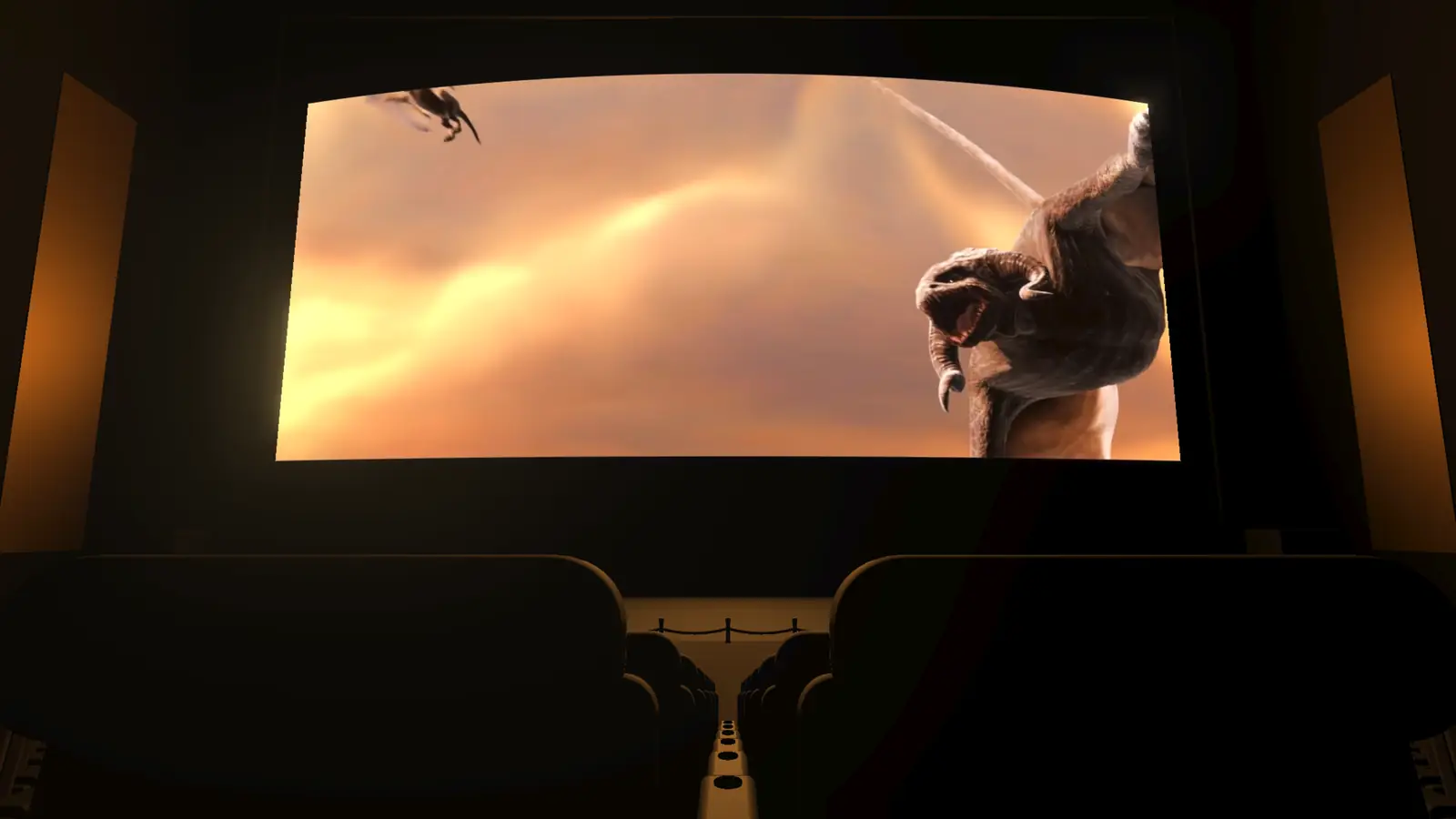
It’s free. No account, no subscription, no ads. Your movies stay on your own phone or laptop.
Works with what you already have.
The car only needs its web browser. Your movies live on a laptop or an Android phone.
A real cinema, not a video in a browser tab.
Pick your seat
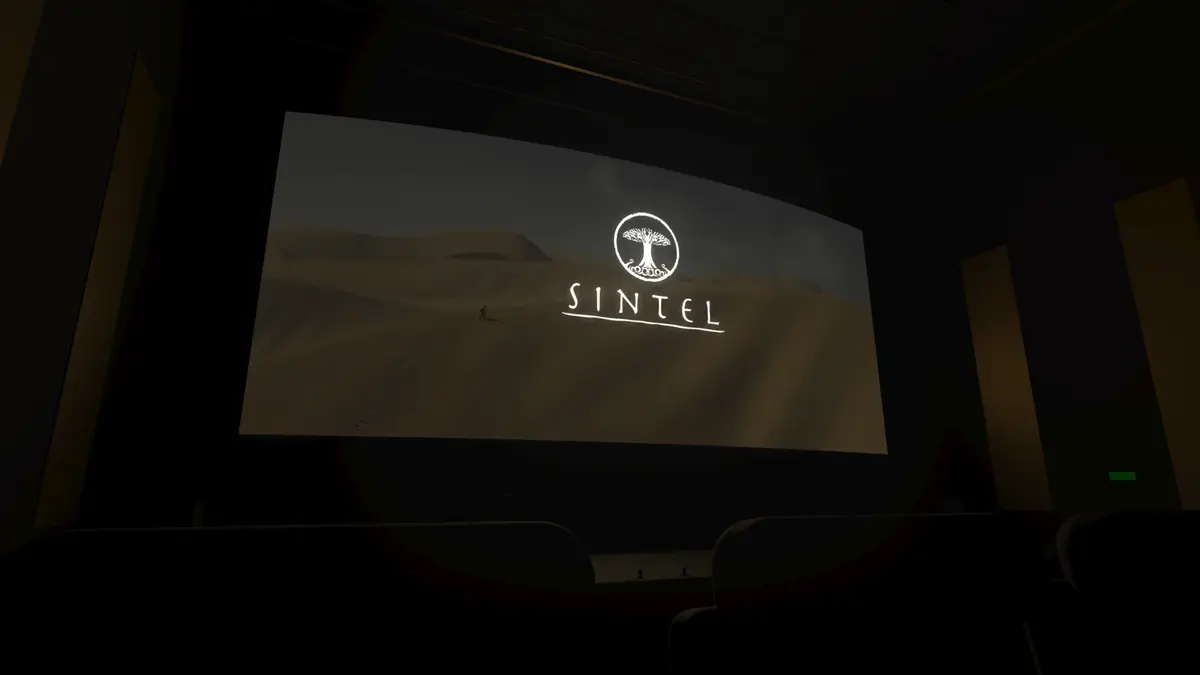
A full 3D theatre with a curved screen that lights up the room with the colours of the film. Sit in the middle, the front row or the back.
No internet needed
The car joins your phone’s hotspot and plays straight from it. Nothing is loaded from other websites.
Plays files your car can’t
4K and HEVC files get a one-tap copy that the car’s browser can play. Sound tracks and subtitles come along.
Made for fingers
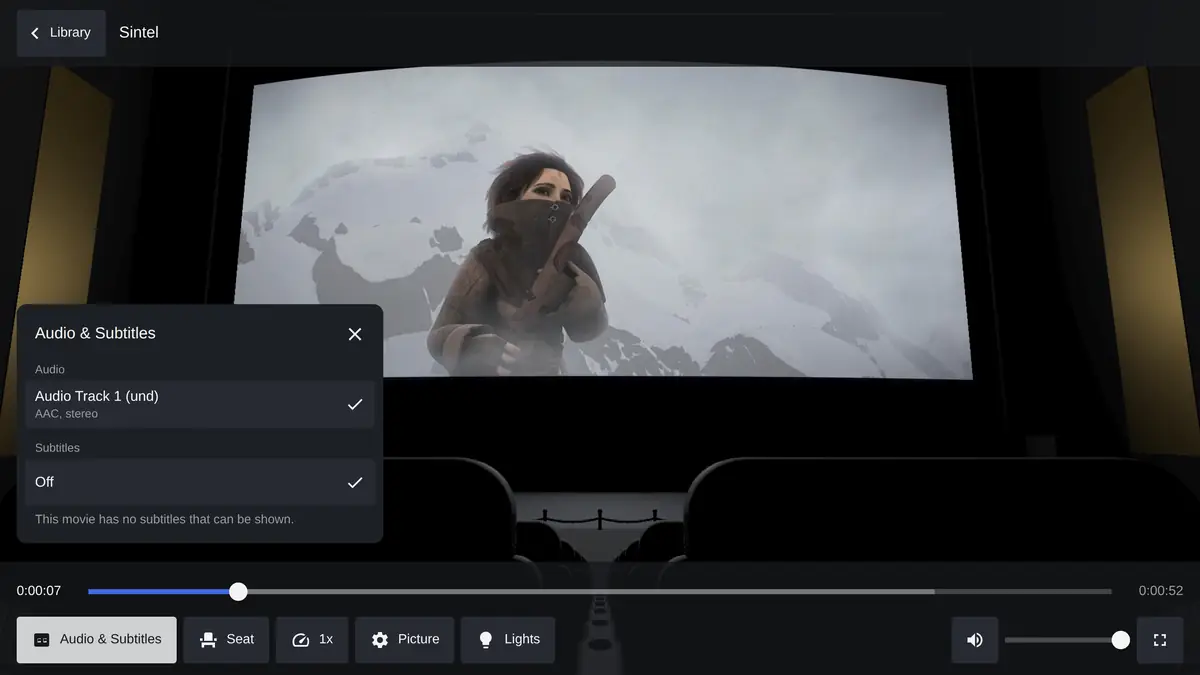
Big buttons, double-tap to skip 10 seconds, drag to look around. Sound track, subtitles and speed are one tap away.
Tested, not just promised.
The usual ways to watch in the car are bad.
What people try
- “Free movie” websitesPop-ups, fake download buttons, and they still need fast mobile data.
- Screen mirroring appsLaggy picture, sound out of sync, often a paid app and an internet connection.
- Uploading to random cloud sitesYour private files end up on someone else’s server.
Cinema 3D
- Your own filesStreamed from your phone or laptop to the car, nowhere else.
- Smooth on the car’s screenA lighter picture mode starts by itself in the car’s browser.
- A PIN if you want oneKeeps others on the same network out of your library.
One more: only watch while parked. Treat it like the car’s own Theater.
3 steps, about 15 minutes.
Install it on your laptop or phone
Install Node.js, download Cinema 3D and run
npm install. On Android, use the Termux app. The laptop guide and phone guide walk through every command.Add your movies and start it
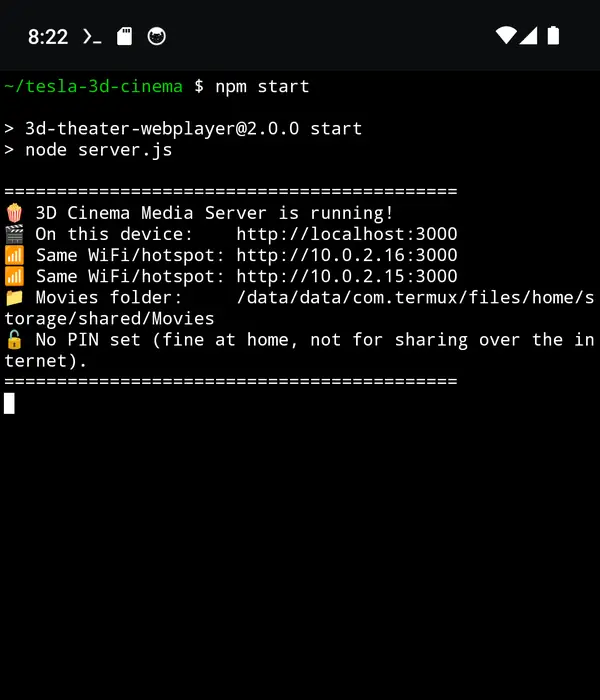
Drop your files in the movies folder, or point it at a USB stick. Run
npm startand it shows the address to open.Open it in the car
Connect the car to your phone’s hotspot, open the car’s browser and type the address. Pick a movie and a seat.
Get your setup estimate.
2 questions. No email needed.
Setup time
About 10 minutes
Questions people ask.
Does it need internet in the car?
No. The car joins your phone’s hotspot and the movie goes straight from the phone to the car. Nothing is loaded from other websites, so no mobile data is used for the movie.
Can I put my movies on the car’s USB stick?
Not the car’s own USB port: the car’s browser can’t read it. Plug the USB stick into an Android phone with a USB-C adapter instead, and the phone serves the movies to the car.
Has it been tested in a real Tesla?
Not yet. It has been tested in desktop Chrome, on a laptop’s built-in graphics, and on an Android phone emulator. If you try it in your car, please share how it went using Get help.
Which movie files work?
MP4, MKV, WebM, MOV, M4V and OGV. Files the car’s browser can’t play, usually 4K HEVC, are marked “Needs Converting” and can be turned into a copy that plays. The original file is not changed.
Is it really free?
Yes. It’s open source under the ISC licence. There is no account, no subscription and nothing to buy.
Can I watch while driving?
No. Only watch while parked, the same as the car’s own Theater.
Is it legal?
Cinema 3D plays files you already have. It doesn’t download or share anything. Only play movies you have the right to watch.
Open source, and honest about it.
Free to use, change and share. The full code is on GitHub.
The 3D theatre and surround sound come from the 3D Web Cinema Player by Amit Sikdar.
Tesla is a trademark of Tesla, Inc. Film in the pictures: Sintel, Blender Foundation, CC BY 3.0.